Hyperlapse to Litchi Waypoint Mission Converter
Instructions
BETA!!!

Instructions
This application will convert a DJI Fly hyperlapse JSON file into a Litchi csv file.
- In page one of Hyperlapse to Litchi Waypoint Mission Converter:
- Use the file chooser to upload your hyperlapse JSON file.
- Generate the mission.
- In page two of Hyperlapse to Litchi Waypoint Mission Converter:
- Review the parameters and calculations.
- Download the Litchi CSV file.
- In the Litchi Mission Hub:
- Use the Missions menu to import the CSV file created by Hyperlapse to Litchi Waypoint Mission Converter.
- Adjust the Litchi mission parameters (such as speed) as desired
- Go fly!
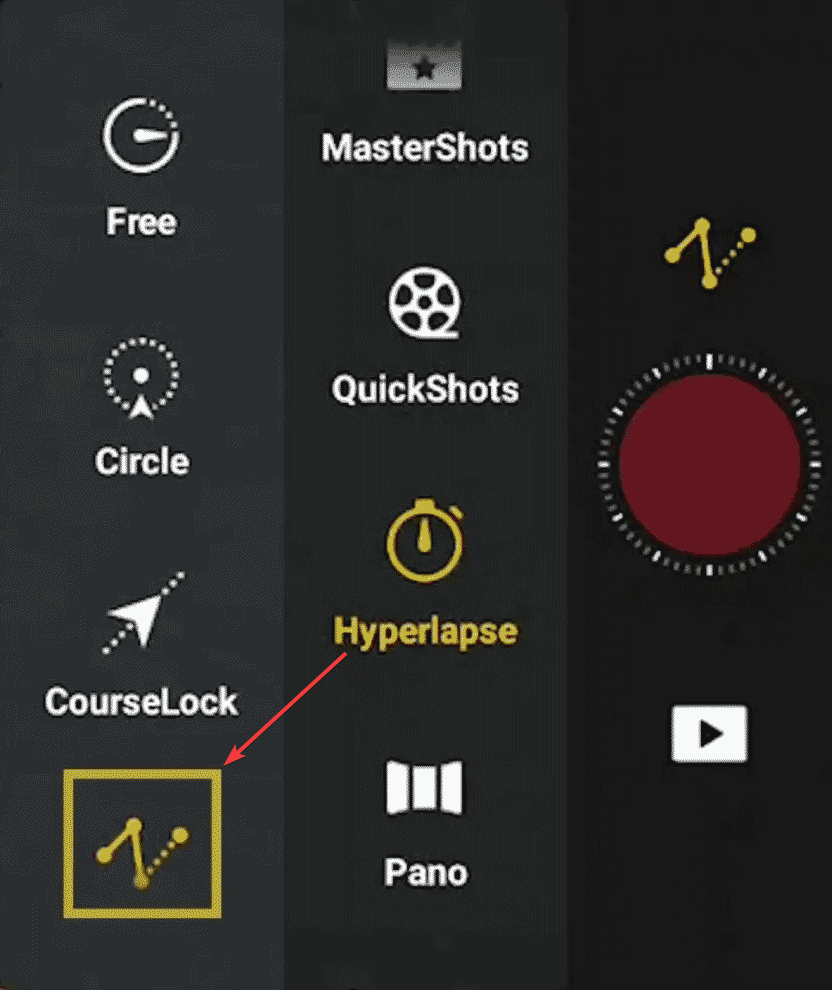
This web application enables the conversion of a DJI Fly hyperlapse mission into a Litchi waypoint mission. Once imported into Litchi, the mission can be extended or modified as needed.
DJI Fly hyperlapse missions are stored as JSON files in sub-folders of the "Hyperlapse" folder on the device running DJI Fly. Each hyperlapse sub-folder will contain several files named something like this:
- HyperLapse_Path_1776354036517 (hyperlapse sub-folder)
- 1776354036517.json (this file contains waypoint data for the hyperlapse)
- 1776353945632 (this file contains a PNG image of the view from waypoint 1)
- 1776354013527 (this file contains a PNG image of the view from waypoint 2)
- 1776354018794 (this file contains a PNG image of the view from waypoint 3)
- 1776354034531 (this file contains a PNG image of the view from waypoint 4)
The JSON file contains a sequence of coordinates, altitudes, headings, and gimbal pitch angles which can be readily transformed into a standard waypoint mission format. One can examine this file in a plain text editor after formatting the JSON code. The other files with no extension (PNG images) are not required for conversion purposes and can be ignored.